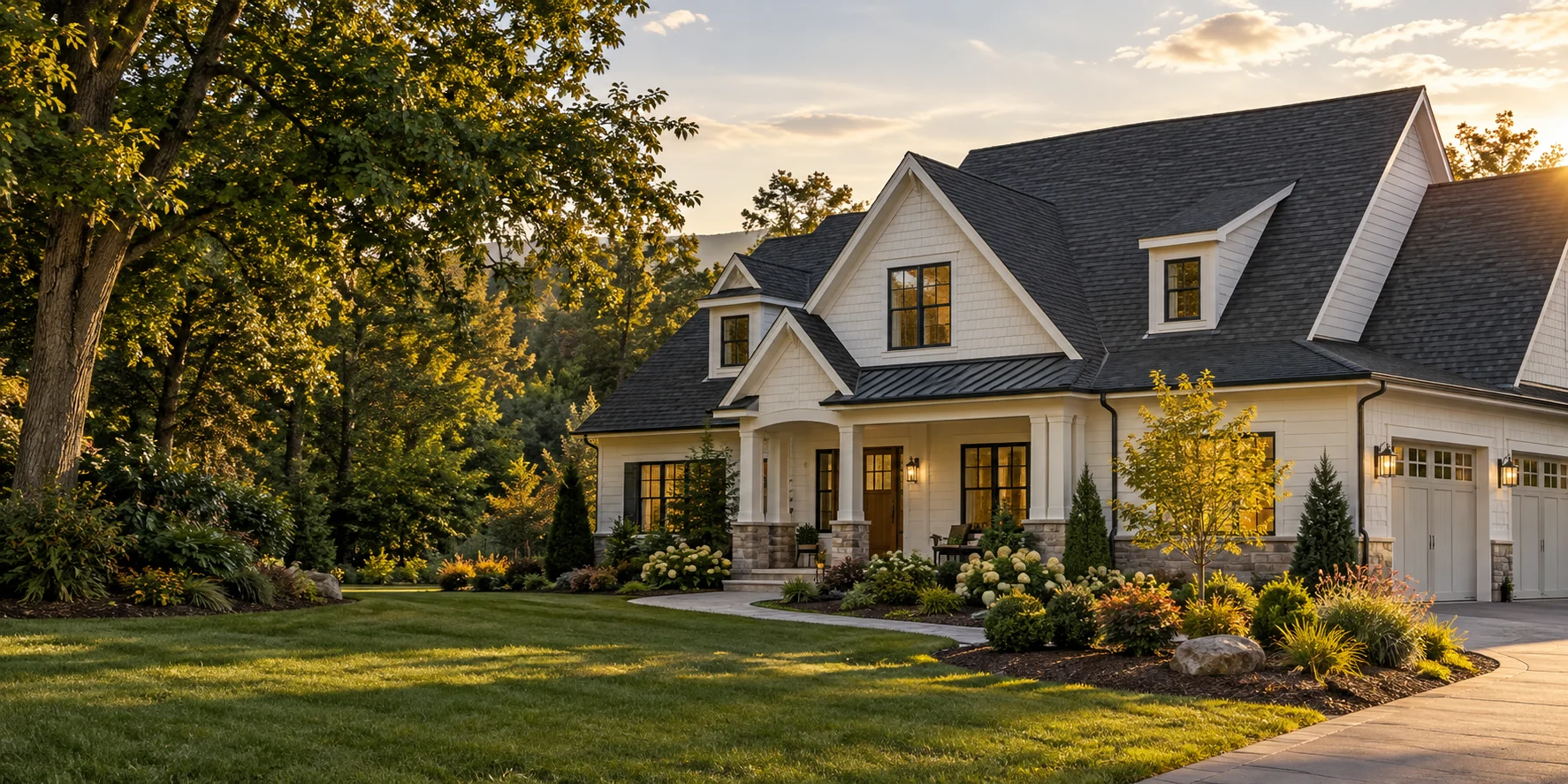
Before changing the design of a roofing website, collect the information and access needed to make the new site accurate and launch it safely. The goal is to give your designer a usable brief: what your business offers, what customers need to see and what must keep working through the change.
You do not need polished copy or a large photo library to begin. You do need accurate business facts, permission to use your materials and a clear agreement about who is responsible for content, accounts and launch decisions.
1. Define the reason for the redesign
Write a short explanation of what is difficult about the current website. Perhaps the mobile navigation is awkward, visitors cannot see completed work, the service information is out of date or enquiries go to the wrong inbox.
Choose the customer actions the new site should support: phone calls, inspection requests or conversations about replacement projects. A request for an inspection is not automatically a confirmed appointment. If you need live booking, explain the scheduling process and the software your team uses.
Give the designer your current website address, main audience and any launch deadline. If the existing site has useful content or performs well for particular searches, identify it before deciding what to remove.
2. List services, materials and actual coverage
Create a list of the work you genuinely offer: repairs, replacements, inspections and the roofing systems you install. Distinguish residential and commercial services if both are part of the business. Note services you no longer want to advertise.
Include the towns or regions you serve, your operating hours and the real arrangements for urgent enquiries. Supply the business name, phone number and contact email exactly as they should appear. This avoids contradictory contact information across pages.
For each main service, a few useful facts are enough to start: who it is for, what happens during an assessment and how a customer requests the next step. Your designer can help organize the wording without inventing technical or business claims.
3. Gather authorized project photos and reliable proof
Choose a small selection of clear project images. For each one, note the work completed, material or roof type and any location detail you have permission to publish. Before-and-after images are useful when they genuinely show the same project and are labeled accurately.
Collect the evidence behind credentials, manufacturer approvals and warranty statements you want displayed. Provide the current terms rather than a vague promise such as “everything is covered.” If you mention financing, provide authorized provider wording and links; an application system is a separate feature.
Use customer reviews only when they are genuine and you have permission or an appropriate approved display method. Keep private customer details out of filenames, captions and public text. If your photos are limited, discuss imagery options rather than presenting an illustrative roof as your completed job.
A sample layout to discuss with your designer
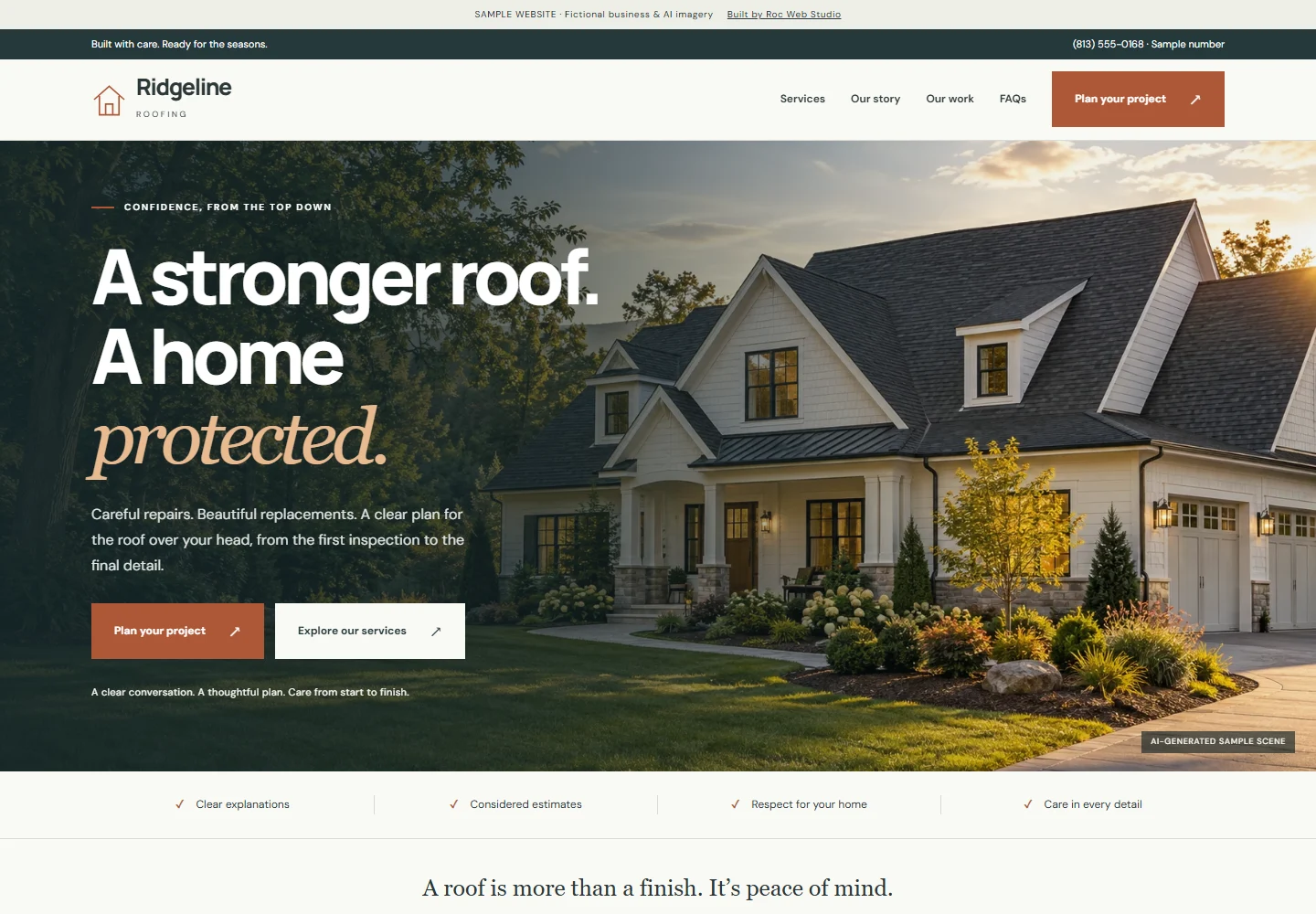
The Ridgeline Roofing sample shows one way to combine repairs, replacements, inspections, a project gallery and an enquiry route. Its business, images, projects and reviews are illustrative, not completed customer work. The sample form does not send enquiries.
Use it to discuss structure: which services should be prominent, how much explanation the project process needs and what a homeowner should see before contacting you. Our roofing website design service explains the available starting scope.
4. Confirm who controls the domain, hosting and email
Make an account inventory before making changes. Record who owns the domain registration, hosting, business email, current website platform, analytics and Search Console access. Include renewal dates and the person who can approve changes.
Keep the domain registered in your business's name and agree how access will be shared securely. Do not send account passwords through a public enquiry form. Your designer should explain the access needed and when it can be revoked or reduced after handover.
Treat email as a separate part of the launch plan. Changing website hosting does not always require moving email. Identify the existing provider and have the person responsible preserve the relevant email DNS records before any domain or hosting change.
5. Decide what happens to every important old page
Make a list of existing pages, including service pages, project pages, contact pages and useful downloads. Where access is available, review which pages receive search traffic, enquiries or external links. Those pages deserve attention even if their design looks dated.
Ask for a simple old-to-new URL plan. Each important page should be kept, improved, merged with a relevant page or deliberately retired. When a useful URL must change, map it to the closest relevant replacement and agree a permanent redirect. Do not send every removed page to the homepage by default.
The new site should use its intended URLs in internal links, canonical tags and the sitemap. Check these alongside the redirects. Google's site-move guidance describes URL mapping, permanent redirects and monitoring. Significant changes can bring ranking fluctuations while Google recrawls the site; no designer can promise that every old position will be preserved.
6. Agree the scope and responsibilities in writing
Before approving a proposal, confirm:
- The pages, gallery size and functions included in the price.
- Who supplies factual information, photos, permissions and final content approval.
- Whether booking, uploads, CRM, payments or financing connections are included or separately quoted.
- Who prepares and implements redirects, DNS changes and email-preservation checks.
- The revision rounds, feedback deadlines and expected launch window.
- Ownership, account handover, hosting and support arrangements after launch.
A five-page website can be a practical starting point, but dedicated material pages, town pages and a large project archive change the scope. Our published pricing starts at $599 USD for the Starter website package of up to five pages total, for one business and one language; existing-site redesigns are quoted around their requirements. Optional Essential Care starts at $49 USD per month. It covers hosting configuration, technical checks, backups and form tests; editing time is available only in higher care plans. Standard static websites can use free Cloudflare Pages hosting within its plan limits without a care subscription. Prices were checked October 30, 2026; your proposal confirms the actual cost and terms.
7. Use a launch checklist and name the person responsible
Test the finished website on a phone and a desktop. Check service information, phone links, form success and failure messages, image loading, redirects and any booking connections. Send a real test enquiry and confirm receipt in the right inbox before relying on the form.
Confirm the approved public pages are indexable, the correct domain is used consistently and the sitemap contains the intended URLs. Agree who will check analytics or Search Console after launch, who handles errors and how you can recover the previous version if a material problem appears.
Ask for a handover note covering the accounts, renewal responsibilities, editing process and support contact. Launch is easier to manage when these responsibilities are agreed beforehand.
Your preparation pack
Bring together a service and coverage list, approved contact details, authorized project photos, credentials and warranty wording, an account inventory, the old-page list and the names of your approvers. Flag anything you cannot yet provide so it can be resolved in the proposal.
You can explore our roofing website service, view the Ridgeline sample, or discuss your redesign. Start with your existing website address and the two or three things you most want to improve.