A homeowner wants a rough price for a driveway wash. Your website says “request a quote,” but the form asks only for a name, email and message. You still need to ask about the size, surface and condition before you can answer. The customer waits; you repeat a conversation you have already had several times this week.
An instant quote calculator can handle that first exchange. Visitors describe the work, see an estimate and send you the details needed to follow up. Adding one does not automatically mean rebuilding your website. The right approach depends on your pricing rules, your current platform and what should happen after someone clicks submit.
Here is how to add an instant quote calculator to your service business website, from defining the estimate to checking that real enquiries reach you.
1. Decide what the calculator should promise
Start with the result, before choosing software. What can you responsibly tell a customer without visiting the property?
- A fixed price: suitable when the answers fully define the work and you are prepared to honour that price within the stated scope.
- An estimate range: useful when size and service type give a sensible starting point, but condition can change the final quote.
- A request for assessment: appropriate when access, damage, safety or an unusual job makes an automatic price unreliable.
A house cleaning business might estimate a standard clean from size and extras, then refer renovation dust to a person. A pressure washing company might calculate a driveway by area and material while requiring an inspection for roof cleaning. One calculator can support all three outcomes.
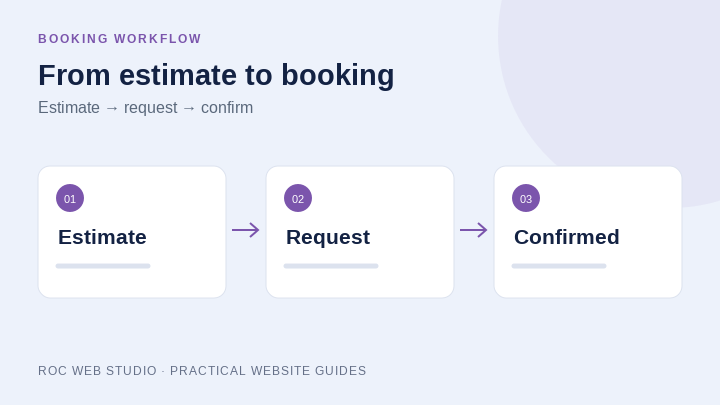
Label the result where people see it. “Estimated range; final price confirmed after review” communicates a different promise from “Fixed price for the services listed.” A preferred date should remain a requested date unless availability has actually been checked and a booking confirmed.
If you are still deciding whether to show prices at all, our quote calculator versus quote request form guide helps you choose.
2. Choose how it will fit into your website
There are three practical approaches. Two describe where the calculator lives; custom development describes how closely it can fit your business. You can combine them.
Embed a third-party tool
Some calculator providers supply an embed snippet for an existing page. Depending on the provider, this may load the tool through a script or an iframe. An iframe displays another document inside your page, as explained in the MDN iframe reference.
This can suit a business whose rules fit an existing product. Before committing, test the actual form with your rates. Check branding controls, mobile layout, submission storage, export options, ongoing fees and what happens if you stop subscribing. Confirm that your website plan and editor allow the required code.
Ask for a demonstration on a phone. A tool that fits a desktop content box may still introduce awkward scrolling or clipped results on a narrow screen.
Add a dedicated quote page
A page such as “Get an estimate” gives the flow room to work. Link to it from relevant service pages and your main navigation. Keep a short explanation of the service beside those links so visitors understand what they are estimating.
This is useful when a multi-step calculator would overwhelm a service page. The calculator can be part of the same website or a separately hosted page with a clear return path. Agree on the domain, design, hosting responsibility and handoff before development starts.
Commission a custom calculator
Custom development makes sense when existing tools cannot express your rules clearly, or when the estimate must connect to a specific enquiry process. It can live directly on a service page or on a dedicated page. A separate cross-site embed can also be scoped if needed.
You gain control over the fields, presentation and calculation logic, but somebody must maintain them. Include access to the source files, pricing updates, hosting and any integrations in the written scope. A custom calculator does not automatically include a dashboard, CRM connection or subscription service.
3. Turn your rate card into explicit rules
Before asking a developer to build anything, gather several ordinary jobs and several awkward ones. Write down how you would price each. This reveals assumptions that a rate card alone can miss.
Your brief should cover:
- Services and units: which jobs are available, and whether pricing uses area, item count, property size bands or another measure.
- Included work: what the base price already covers, so the calculator does not charge twice.
- Extras and discounts: what changes the amount, which items receive a recurring discount, and whether the first visit differs.
- Minimum charges: when a small job must be lifted to a minimum visit price.
- Service boundaries: which locations, property sizes and conditions require review.
- Price presentation: currency, units, applicable tax treatment and whether the result is fixed or indicative.
For example, a cleaning company needs to decide whether bathrooms are included in its size bands or priced separately. A pressure washing company needs a clear response when a customer does not know the area. Offer practical help or a route to assessment instead of demanding a guess.
Agree on the order of calculations, too. A recurring discount applied to the base service produces a different result from the same discount applied to the whole visit. Use worked examples to approve the rules before approving the interface.
4. Keep the customer flow short
A useful starting structure is: choose the service, describe the job, select extras, then review the estimate and send a request. Show only questions that affect the price, eligibility or follow-up.
Use words customers recognise. Explain the area unit next to the field, distinguish a one-time service from a recurring visit, and let people go back without losing answers. On a phone, the total and next action should be easy to find without covering the form.
Show a readable breakdown rather than an unexplained total. Separate the base service, extras, discount and minimum-charge adjustment. If the first visit and subsequent visits differ, display both with clear labels.
Choose when to ask for contact details. Showing an initial estimate before requesting a name and email lets visitors assess the likely cost first. If you require details earlier, say what they will receive. In either case, collect only information needed to handle the enquiry and explain how you will use it.
5. Connect the estimate to a real enquiry process
The calculation is only one part of the job. Decide who receives the request, where a copy is stored and how the customer learns what happens next.
A useful enquiry includes the service, inputs, price breakdown, result type and the version of the rates used. Keep that snapshot so a later rate change does not silently rewrite an earlier request. Include the customer's contact details and any requested date when relevant.
The success message should appear after the submission has been accepted, with a reference number if the system provides one. If delivery fails, explain how to retry or contact the business. Do not clear the customer's answers and leave them wondering whether anything arrived.
For a production system, validate submitted inputs and calculate authoritative amounts on the server before treating them as an accepted price or using them for payment. Browser checks improve usability but can be bypassed; OWASP's input validation guidance explains why server-side validation is necessary.
Email notifications, CRM records, calendar availability and payment collection are separate integrations. Specify which are included and test each handoff. Sending an enquiry is not the same action as reserving a slot or paying a deposit.
6. Use a working demo to make the brief concrete
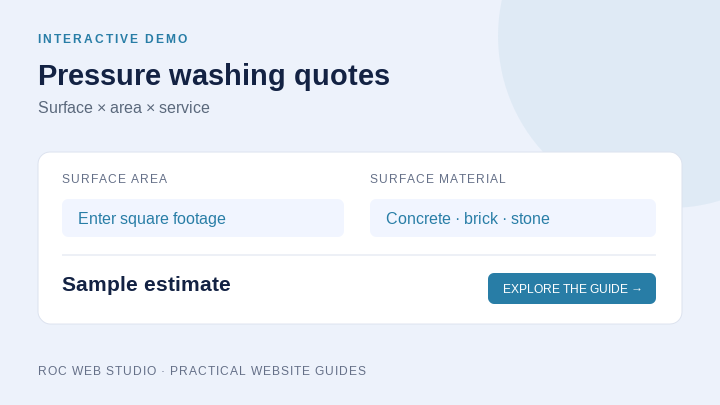
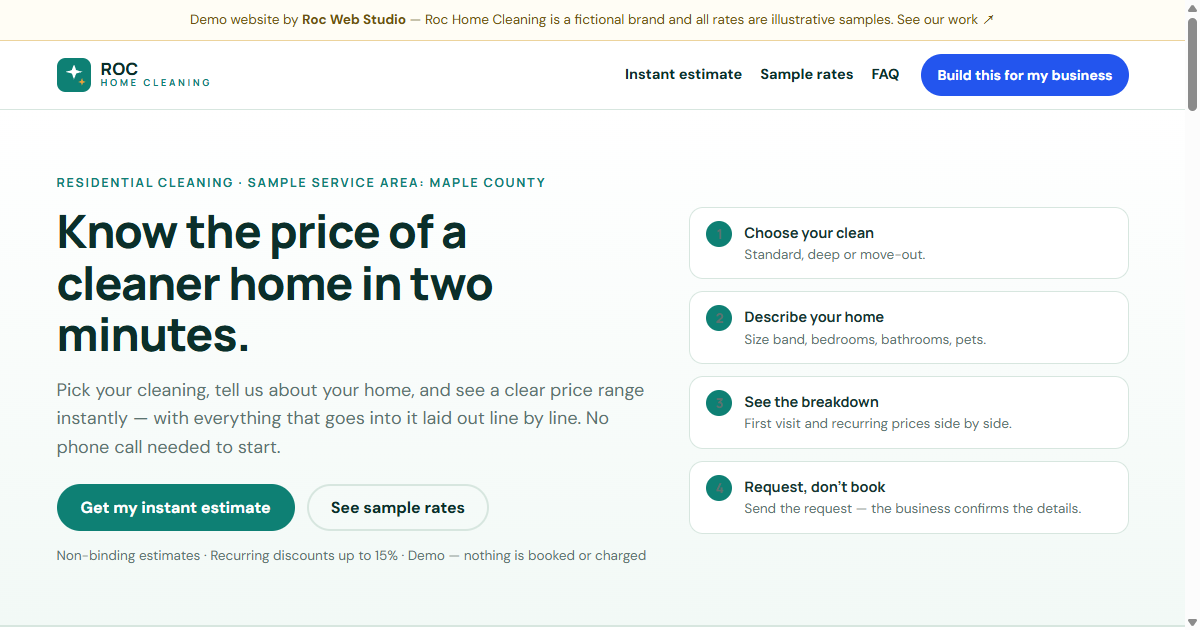
Our cleaning quote system demo shows a multi-step estimate with extras, recurring pricing and a line-by-line breakdown. The pressure washing demo uses the same calculation foundation with different fields, material rates and review rules.
These are fictional businesses with illustrative prices. Requests are simulated and stored in the browser; they are not emailed to a business. The accompanying workbench demonstrates reviewing requests, changing sample rates and revising quotes.
Roc Web Studio can use this foundation to scope a calculator around a client's services and website. It is not currently a self-service product with a ready-made snippet that customers copy into any site. Production enquiry delivery, server-side checks and any cross-site embedding are project work agreed for the specific installation.
When discussing a build, point to a particular interaction you want: “show a range for regular cleaning,” or “send large properties for review.” That is a more useful brief than asking for every feature in the demo.
7. Test the whole journey before launch
Check more than whether the total changes. Compare results against your approved example jobs, then try inputs at the boundaries.
- Test minimum charges, size-band transitions, extras and recurring discounts.
- Check missing answers, zero or negative quantities and jobs outside your service limits.
- Confirm that review cases show a reason instead of an invented price.
- Complete the flow on a phone and with a keyboard; check labels, errors and returning to earlier steps.
- Send a real test enquiry and verify the stored record, notification and customer confirmation.
- Check failure handling, repeated submit clicks and the distinction between a requested date and a confirmed booking.
- Update a rate and confirm that new estimates change while saved requests retain their original details.
Assign an owner for future changes. Agree whether you will edit rates yourself or request updates, and what maintenance covers. After launch, review incomplete flows and the difference between estimates and final quotes to find unclear questions or missing rules. You do not need to promise a conversion increase to make those improvements worthwhile.
Frequently asked questions
Do I need a new website to add a quote calculator?
Often, no. A compatible existing site can host a calculator or link to a dedicated quote page. The platform's editing and hosting limits need checking first. A broader rebuild is a separate decision.
Can I keep my full pricing formula private?
You can show customers a useful breakdown without publishing every internal rule. If the formula must remain private, calculate it on the server. Logic delivered to a visitor's browser should not be treated as secret.
Can I add booking or payment later?
Yes, if the system is designed to support that extension. Confirm availability, cancellation rules and payment handling separately. An estimate form alone does not manage those tasks.
How much will adding a calculator cost?
The scope depends on pricing complexity, the existing site, the editing interface and required integrations. Ask for development, installation, external subscriptions and ongoing maintenance to be listed separately. A simple estimator and a complete booking system are different projects.
What should I send a developer first?
Send your website address, services, rate rules, worked examples, exceptions and the destination for enquiries. Include who will maintain prices and whether you need a page, an embedded tool or advice choosing between them.
Ready to plan it? Tell Roc Web Studio about your website and quote process. We can discuss a custom calculator and its integration scope. If you are also considering a new website, ask about our free homepage concept demo; calculator development is scoped separately.